 Image 1 of 4
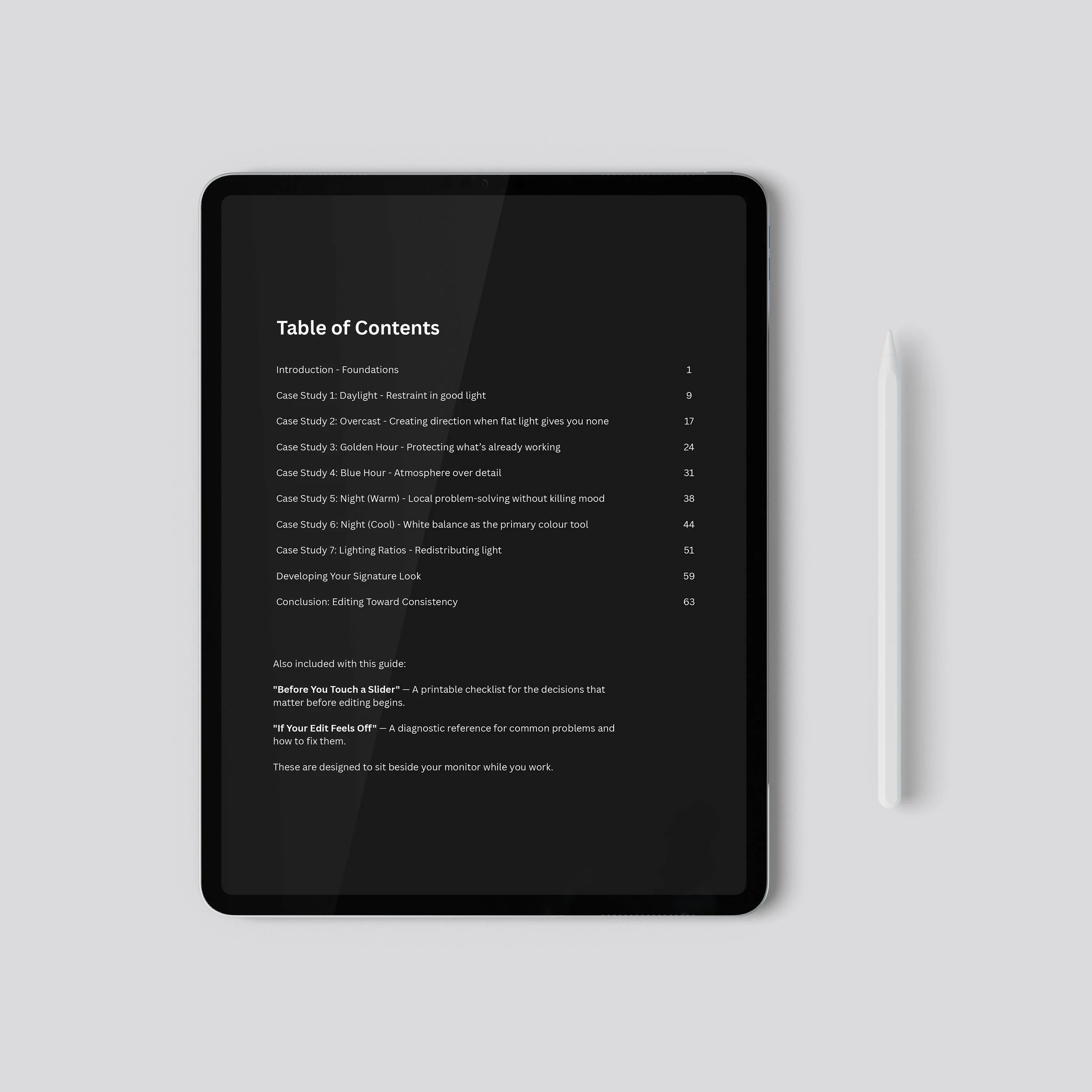 Image 2 of 4
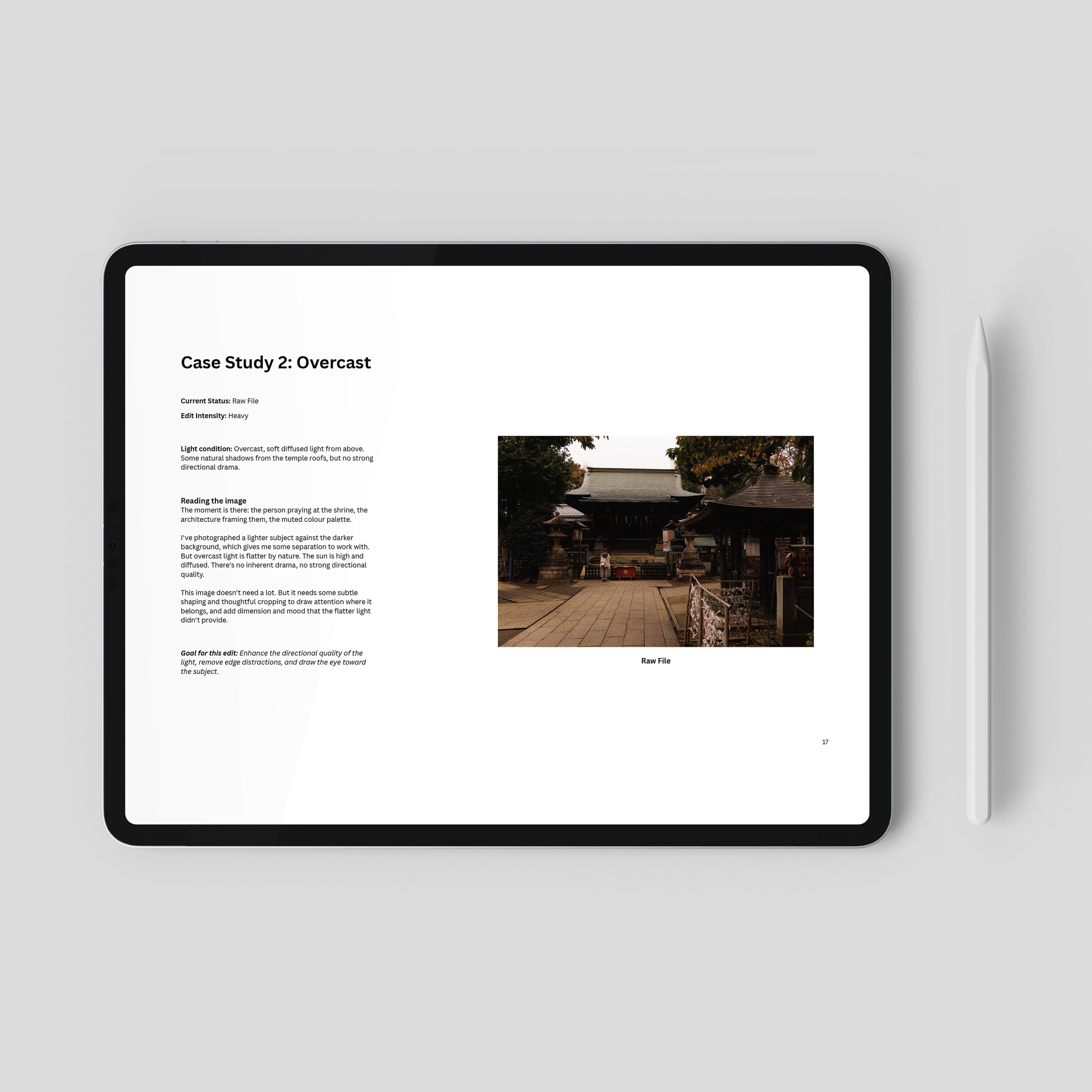 Image 3 of 4
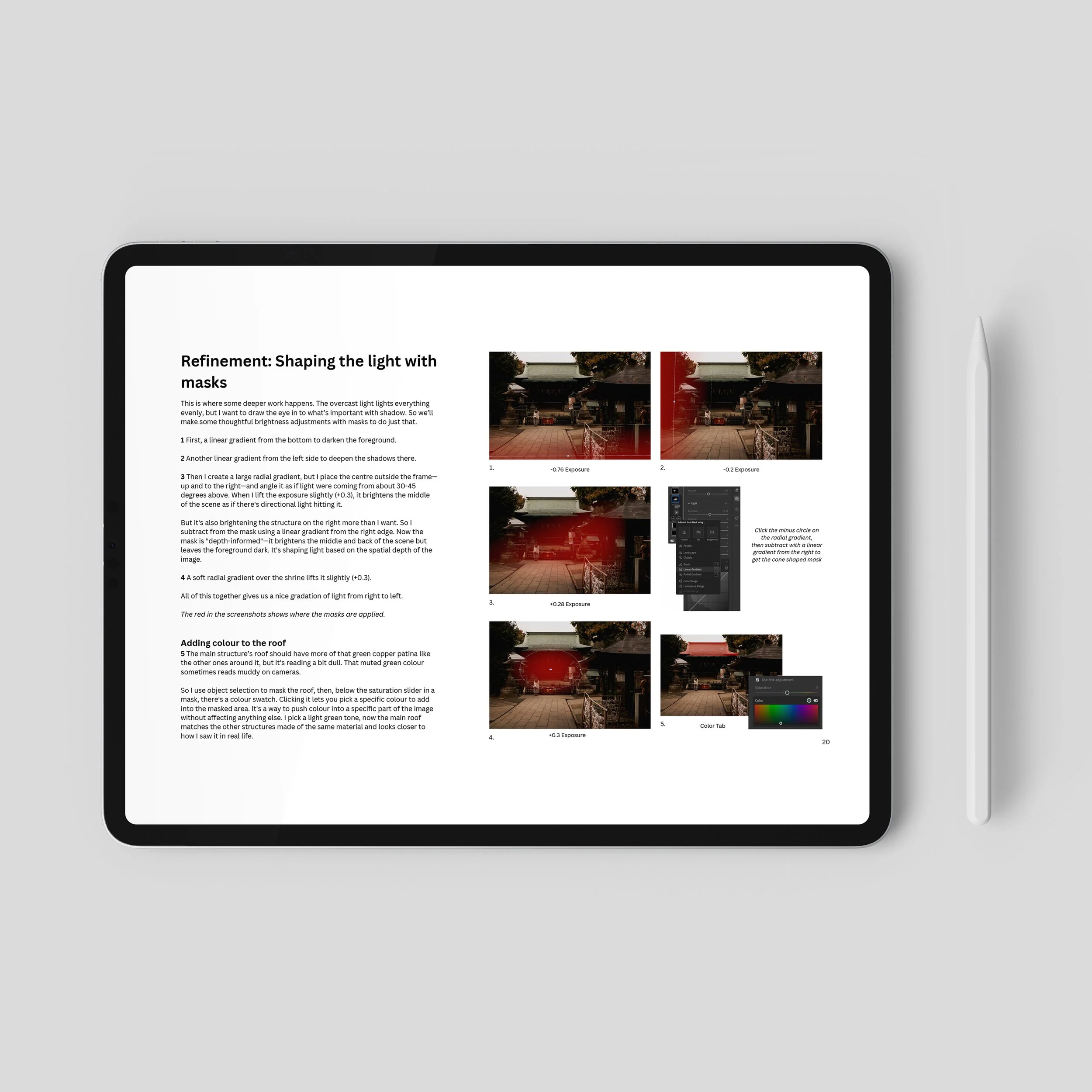 Image 4 of 4
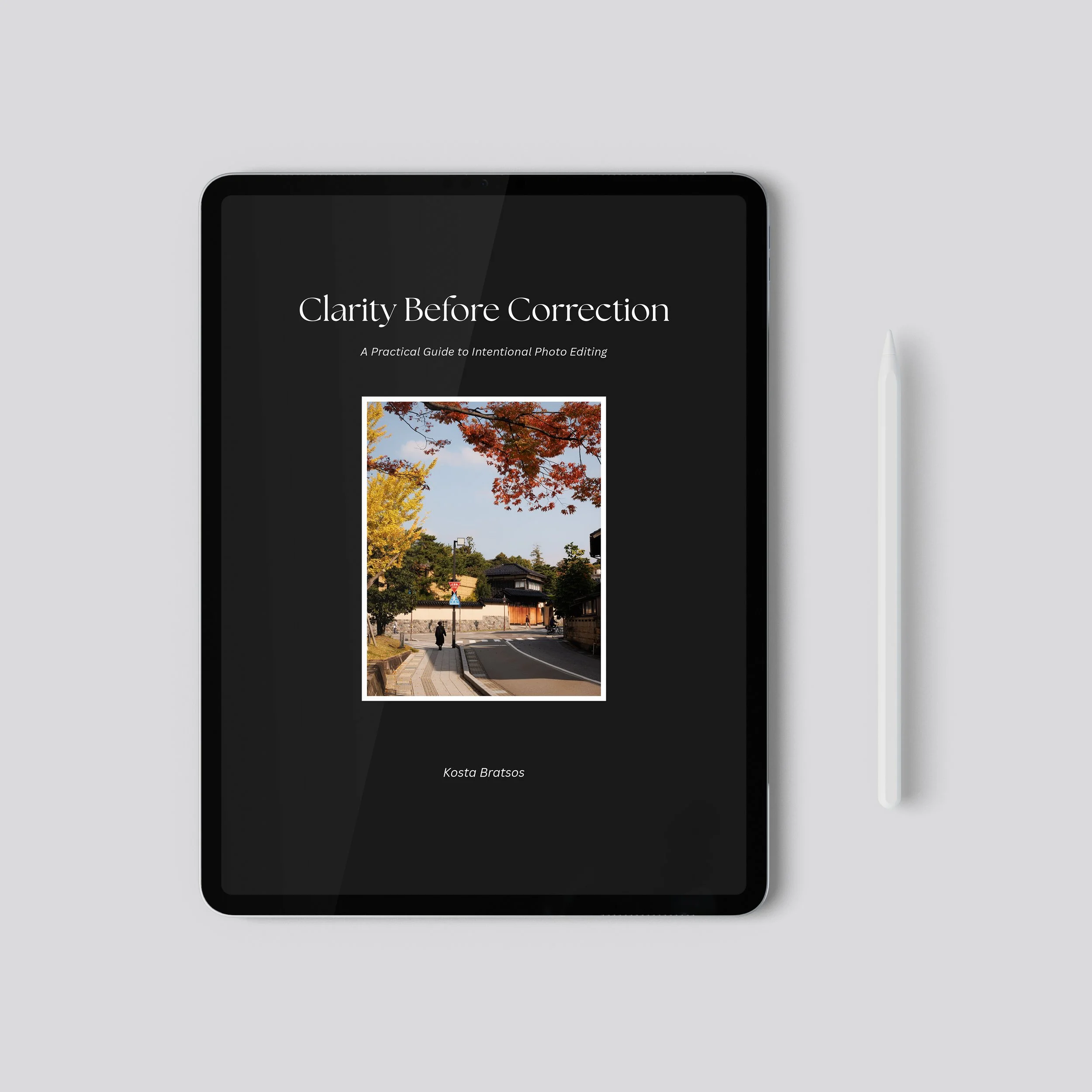
You shouldn’t have to spend a decade learning photo editing to achieve a polished, cinematic look. Your photos don't look the way you want, your editing feels inconsistent, and you’re not sure how to get the results you want. This guide shows you exactly how I think through an edit, decision by decision, to achieve my signature atmospheric and cinematic style.
I wanted to create something that felt like sitting down for coffee, opening my laptop, and saying, "Okay, watch. I'll talk you through what I'm thinking."
Not slider values to copy. Not a look to paste onto your images. The actual decision-making process: how I read a photo, how I decide what it needs, why I reach for certain tools and leave others alone to achieve my look.
Seven case studies across different lighting conditions, so you’re prepared for any scenario: daylight, overcast, golden hour, blue hour, warm night, cool night, and a tricky lighting situation.
Each one walks through how I shape colour direction to create feeling, establish mood with intentional adjustments, and make my subject pop.
Developing Your Signature Look: A chapter on developing your own editing style with all the tools you’ve gained throughout the guide, and how to achieve a consistent editing style.
Plus two bonus printable reference sheets designed to sit beside your monitor while you edit.
→ 63-page PDF guide (optimized for desktop viewing)
→ Bonus: "Before You Touch a Slider" (printable checklist for the decisions that matter before you start)
→ Bonus: "If Your Edit Feels Off" (printable diagnostic sheet for when you're stuck)
You have Lightroom experience, but your edits feel inconsistent
You've tried presets that looked great on other people's photos
You'd rather understand the thinking than memorize the steps
A preset pack
A first introduction to Lightroom
It's the conversation I wish I could have with every photographer who's asked, "How do you edit?"
This e-book was designed in Lightroom CC, but everything applies to Lightroom Classic, and honestly, any RAW processing software.
Questions? kostabphoto@gmail.com
Please note: due to the nature of digital products, refunds are generally not accepted. However, if you experience any issues, please feel free to contact me, and I’ll review your situation directly.
You shouldn’t have to spend a decade learning photo editing to achieve a polished, cinematic look. Your photos don't look the way you want, your editing feels inconsistent, and you’re not sure how to get the results you want. This guide shows you exactly how I think through an edit, decision by decision, to achieve my signature atmospheric and cinematic style.
I wanted to create something that felt like sitting down for coffee, opening my laptop, and saying, "Okay, watch. I'll talk you through what I'm thinking."
Not slider values to copy. Not a look to paste onto your images. The actual decision-making process: how I read a photo, how I decide what it needs, why I reach for certain tools and leave others alone to achieve my look.
Seven case studies across different lighting conditions, so you’re prepared for any scenario: daylight, overcast, golden hour, blue hour, warm night, cool night, and a tricky lighting situation.
Each one walks through how I shape colour direction to create feeling, establish mood with intentional adjustments, and make my subject pop.
Developing Your Signature Look: A chapter on developing your own editing style with all the tools you’ve gained throughout the guide, and how to achieve a consistent editing style.
Plus two bonus printable reference sheets designed to sit beside your monitor while you edit.
→ 63-page PDF guide (optimized for desktop viewing)
→ Bonus: "Before You Touch a Slider" (printable checklist for the decisions that matter before you start)
→ Bonus: "If Your Edit Feels Off" (printable diagnostic sheet for when you're stuck)
You have Lightroom experience, but your edits feel inconsistent
You've tried presets that looked great on other people's photos
You'd rather understand the thinking than memorize the steps
A preset pack
A first introduction to Lightroom
It's the conversation I wish I could have with every photographer who's asked, "How do you edit?"
This e-book was designed in Lightroom CC, but everything applies to Lightroom Classic, and honestly, any RAW processing software.
Questions? kostabphoto@gmail.com
Please note: due to the nature of digital products, refunds are generally not accepted. However, if you experience any issues, please feel free to contact me, and I’ll review your situation directly.